

Discontinued Writing Software: How to Get Your Book Out
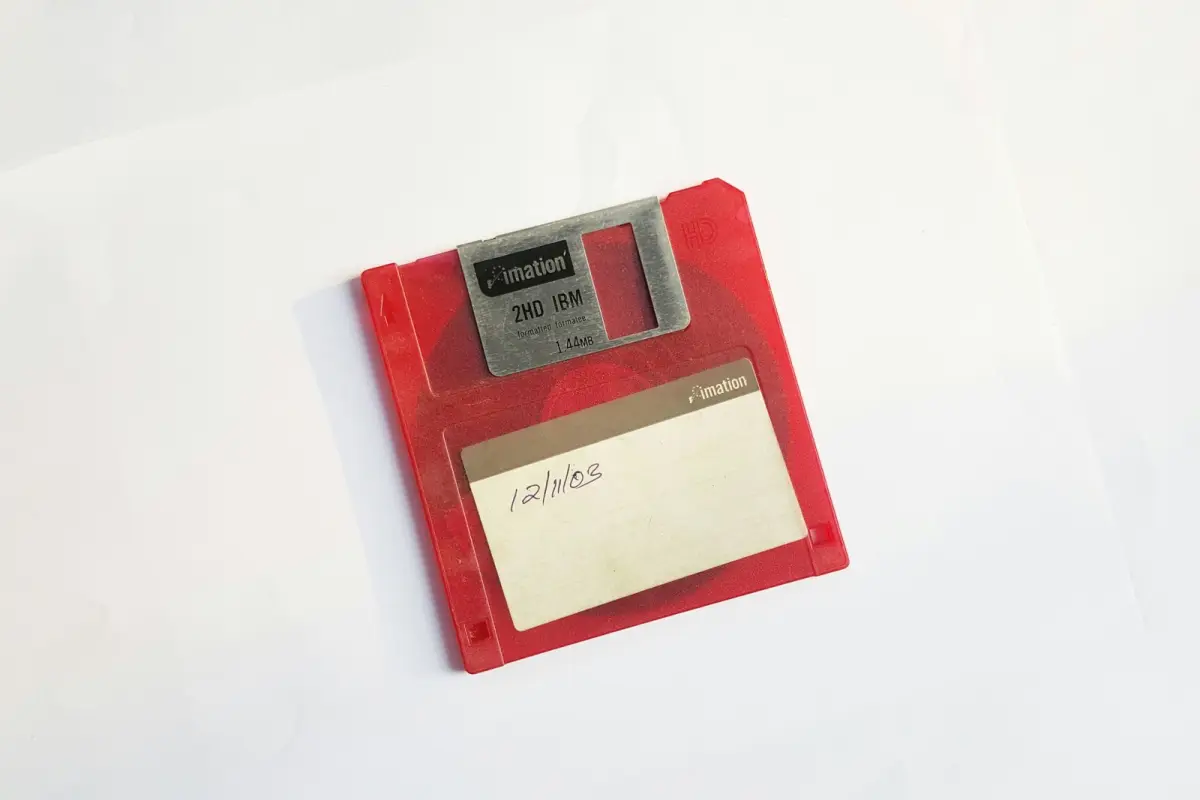
If your writing program has been discontinued, your book is almost certainly still in there. Get it out this week as a Word file plus a second copy in another format, and open both somewhere else before you believe either of them. Desktop programs usually go on working for years after their makers stop. Web apps don’t, because once the servers go off, the files go with them.
What an export test on 28 October 2026 showed
Pandoc’s own manual warns that “conversions from formats more expressive than pandoc’s Markdown can be expected to be lossy”. How lossy, for a novel, is harder to find written down anywhere, so a small test was run for this article on 28 October 2026 on macOS 27. The sample was a 250-word, two-chapter mystery fragment in which a character called Zoë Ångström finds a warning about a harbourmaster named Søren Ibáñez. It contained two chapter titles in Word’s Heading 1 style, two italicised words, one footnote, a scene break typed as * and a line containing only #.
Microsoft Word was dropped from the test after two failed attempts to script it. In the first, Word opened the file but never saved it, and the request ended in an AppleEvent timeout after 120 seconds. In the second, macOS refused permission to create a folder inside Word’s sandbox. The conversions were run instead with textutil, which Apple’s manual page describes as a tool to “manipulate text files of various formats, using the mechanisms provided by the Cocoa text system”, the same system TextEdit uses, and with Pandoc 3.6.4. textutil produced RTF, OpenDocument (ODT), HTML and plain text copies, and Pandoc produced RTF, ODT, Markdown and plain text. Pandoc then converted every copy back into a Word file, roughly what happens when another program imports it.
Characters came through untouched. All 14 output files kept the accented names, the curly quotes, the em dash and the ellipsis, and every file except the plain text ones kept the italics.
The footnote fared worst. textutil removed it from all four of its formats, both the note and the reference number in the sentence, leaving nothing in the text to show that a note had existed. The same converter also turned both chapter titles into ordinary paragraphs set in 12px Times, so a program that splits a manuscript at its headings would find none.
Pandoc wrote the footnote into its RTF file correctly. The note sits in a group beginning with the control symbol \*, which the RTF specification says marks text that “should be ignored” by a reader that does not recognise it. When Pandoc read that RTF back, the footnote was missing from the result. When it read textutil’s RTF, the whole fragment arrived as a single paragraph broken up by line breaks. The only routes that returned every element intact, headings, italics, footnote, the # line and the scene break, were Pandoc’s conversions through ODT and through Markdown.
Three practical points follow from those results. RTF on its own is not a safe archive, because the same file was read differently by different tools. A second copy in ODT or Markdown would have survived every step of the test. And footnotes need counting after each conversion, because none of the tools reported a loss.
Getting it into the next program
The # line was the only scene marker that survived every route, and it is also the default marker for Scrivener’s “Import and Split”, according to Literature & Latte’s blog. The command cuts a long file into separate documents at each marker. Scrivener’s knowledge base lists RTF, DOC, DOCX, ODT, TXT, Final Draft and Fountain among the formats it opens. It can split at heading styles as well, which would not work on a file that had passed through textutil, and the feature is not available in Scrivener for iOS.
bibisco cannot import Word, ODT or text files as a project, its help page says, so chapters and scenes have to be created by hand and the text pasted in. Pandoc is free software released under the GPL and can convert between formats that two programs disagree on, with the caveat about footnotes in RTF.
Shutdowns that gave people a date
Online services end on a date, and the notice period is set by the company. Adobe announced on its blog that it would “end new user access to the Adobe Story CC service on Monday, January 22, 2018” and that the service would be “discontinued in one year, on Tuesday, January 22, 2019”. Existing users could export their scripts until then. Afterwards the data was deleted, and the Adobe Story offline application stopped working as well.
Amazon gave users of Storywriter, its free screenwriting tool, considerably less time. PPC Land reported the closure on 7 May 2019 and said projects had to be exported and downloaded before 30 June, after which “users will no longer be able to access their accounts”. That left less than eight weeks. Amazon’s original notice could not be found, so the dates rest on that report.
Kindle Vella was Amazon’s platform for publishing serial fiction, so its authors lost a storefront rather than a drafting tool. Its KDP help page gives 26 February 2025 as the end date, after which episodes were “no longer available for purchase”. Readers who had bought episodes can still read them in the free Kindle apps. Amazon writes that it would “strongly encourage” authors “to republish any Kindle Vella stories as an eBook”, and the Vella reports dashboard has been withdrawn.
Patchwork, which nobody switched off
Desktop programs tend to end without a date. Patchwork was a German novel-writing program for Windows, built by a small team around Martin Danesch in Austria. The download portal heise still lists it at €99, or €134 with the Duden spelling checker, and names daily goals and a deadline calculation among its features. Danesch supported users personally. At 2:28 in the morning on 30 December 2015 he answered a question on the German Writers’ Forum with the menu path for printing and exporting a whole manuscript, File, then “Als Gesamtdokument ausgeben: Druck, Export, PDF”.
Danesch died on 4 April 2024. A report on mnbooks.de from August 2025 says the program and its support were then ended for good, and that nobody can currently say how long existing copies will go on working without restrictions. In April 2025 a user on the Papyrus community forum asked how to move a project of about 500 standard pages, characters and settings included, to the rival program Papyrus. No one in the thread knew of an import for the character databases, and one member reported spending two weeks moving an even larger project by copy and paste, setting up every character, place and object again by hand. Reports on exporting differ by version. A 2019 hands-on test by BUOA.DE found that only single scenes could be exported, through a separate viewer, while a forum user wrote in 2024 of regularly exporting whole manuscripts as DOC, RTF and TXT. Patchwork’s own website and forum block automated access, so neither account could be checked against the manufacturer.
Microsoft Publisher, retired in October 2026
Microsoft’s support page states that “in October 2026, Microsoft Publisher will reach its end of life” and that Microsoft 365 subscribers “will no longer be able to open or edit Publisher files in Publisher”. Perpetual versions such as Office 2021 can still be installed and used, but their support ended on 13 October 2026. Microsoft recommends saving each publication as a PDF and opening that PDF in Word for editing, and it warns that the layout “may vary”, particularly in documents with many graphics. For a printed book, that makes the PDF a reasonable archive and the original Word manuscript the better starting point for any new edition.
Notes and numbers
In each of these shutdowns, and in every route of the export test, the prose itself survived. The losses were in the material around it. Character sheets, corkboards and timelines have no common file format, which is why the Papyrus forum member who moved a large Patchwork project in April 2025 spent two weeks rebuilding them. A program that cannot export its notes still lets them be copied into one document with a heading per character, a slower thing to read later but a much quicker thing to make.
Progress records were not covered by any of the Scrivener or bibisco import pages cited here, neither session targets nor writing history. Writing down the current word count and deadline, with a screenshot of any statistics, keeps them from disappearing with the program. Records kept in a separate writing tracker or a spreadsheet don’t need to move at all, and the writing goal calculator on this site rebuilds a daily target from a word count, a deadline and the days you write.
Testing the next program first
A replacement can be discontinued in its turn. Scrivener 3 for the Mac costs $59.99 in the Mac App Store, where version 3.5.2 from December 2025 is the latest listed. The sample used in this test, with a heading, two italic words, a footnote, a # line, a scene break and a few accented names, is easy to recreate in any program. Exported in two formats and opened in a third, it shows on two pages what a full manuscript would lose. The new program’s privacy policy deserves the same attention, since it says where your text is stored and whether the developer may train AI on it. Writing Apps That Don’t Train AI on Your Manuscript lists what 13 developers said on 13 November 2026. The comparison of book writing software on this site sets twelve candidates side by side.
Can I keep using discontinued software I already paid for?
Usually, yes. A bought desktop program keeps running until a system update breaks it, and Microsoft says perpetual copies of Publisher can still be installed and used after October 2026. As mnbooks.de wrote about Patchwork, nobody can say for how long, so the files should come out first.
Which export format loses the least?
In the October 2026 test, Pandoc’s conversions through ODT and through Markdown kept everything, footnotes included. RTF kept text and italics, but Pandoc lost the footnote when it read its own RTF back, and plain text keeps only the words. Two copies in different formats are the safer choice.
Is there a replacement for Patchwork?
Not from its makers. The German site linux-content.org mentioned a successor in the works, but no confirmation could be found. In the forum threads, former users mostly discussed Papyrus, which mnbooks.de recommends to anyone who wants Patchwork’s range of features and which costs €349 on its pricing page, and Scrivener, which imports RTF and Word files and splits them into scenes.
Can a cloud writing app delete my work without warning?
It can close accounts on a fixed date, as Adobe did in January 2019 and Amazon in June 2019, though both gave users time to export first. Adobe allowed a year and Amazon less than eight weeks, so a regular download of anything kept online is a sensible habit with any app.