
Your words.
Your goals.
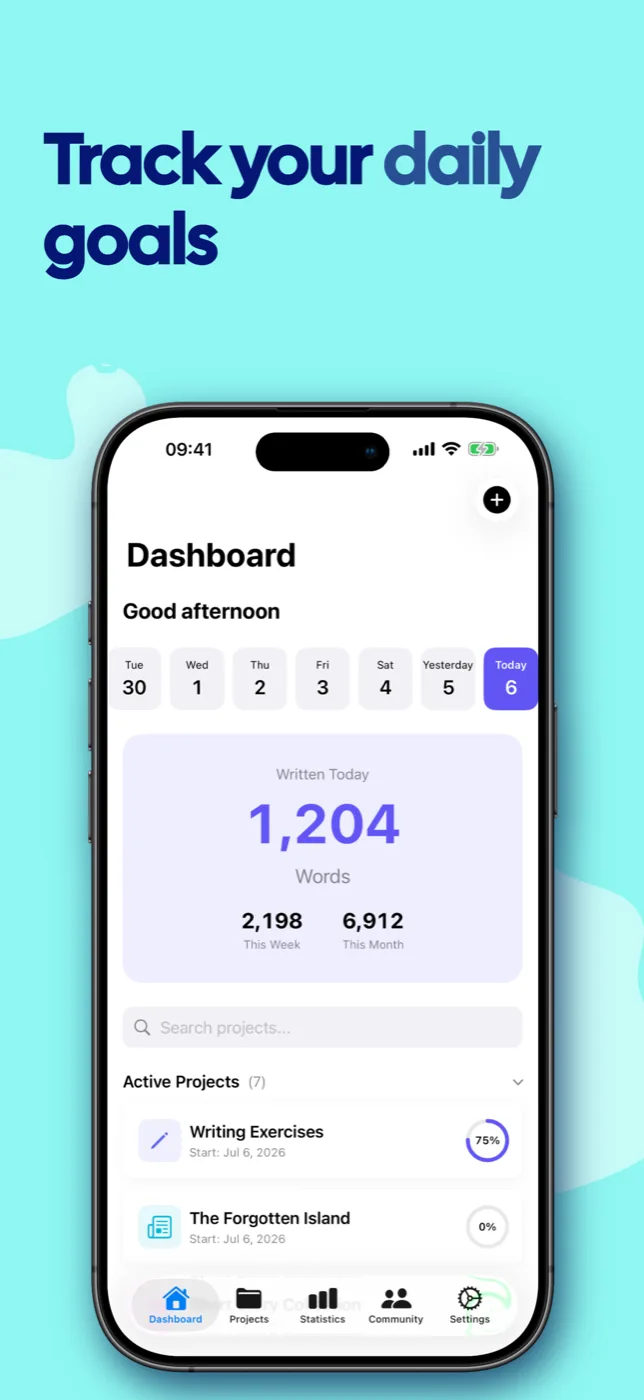
WriteZone turns every writing project into visible progress – with daily goals, deadlines, streaks and statistics. Calm, elegant and entirely free of distraction.



Rather not install anything? WriteZone runs right in your browser – sign in and start writing.
Everything to keep going.
From the first idea to the finished manuscript – WriteZone is there for every step.
Project tracking
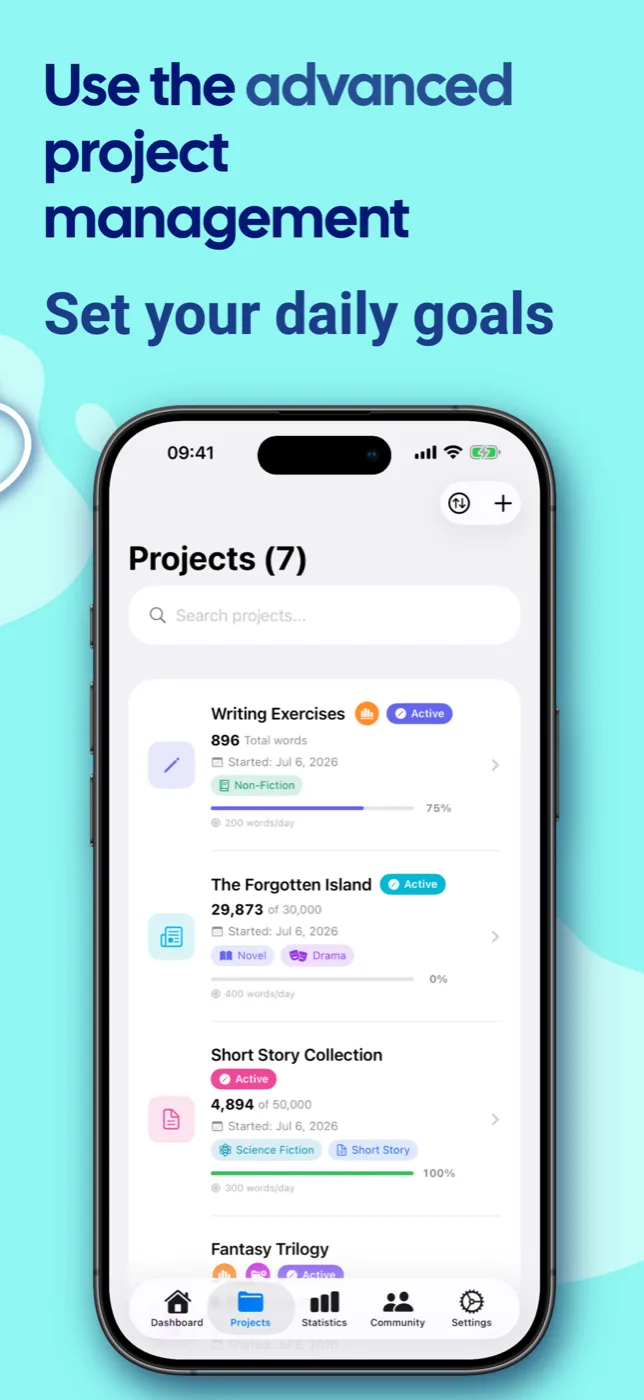
Create writing projects with their own icons, colors and word goals. Break large works into sub-projects – from chapter to trilogy.
Deadlines & goals
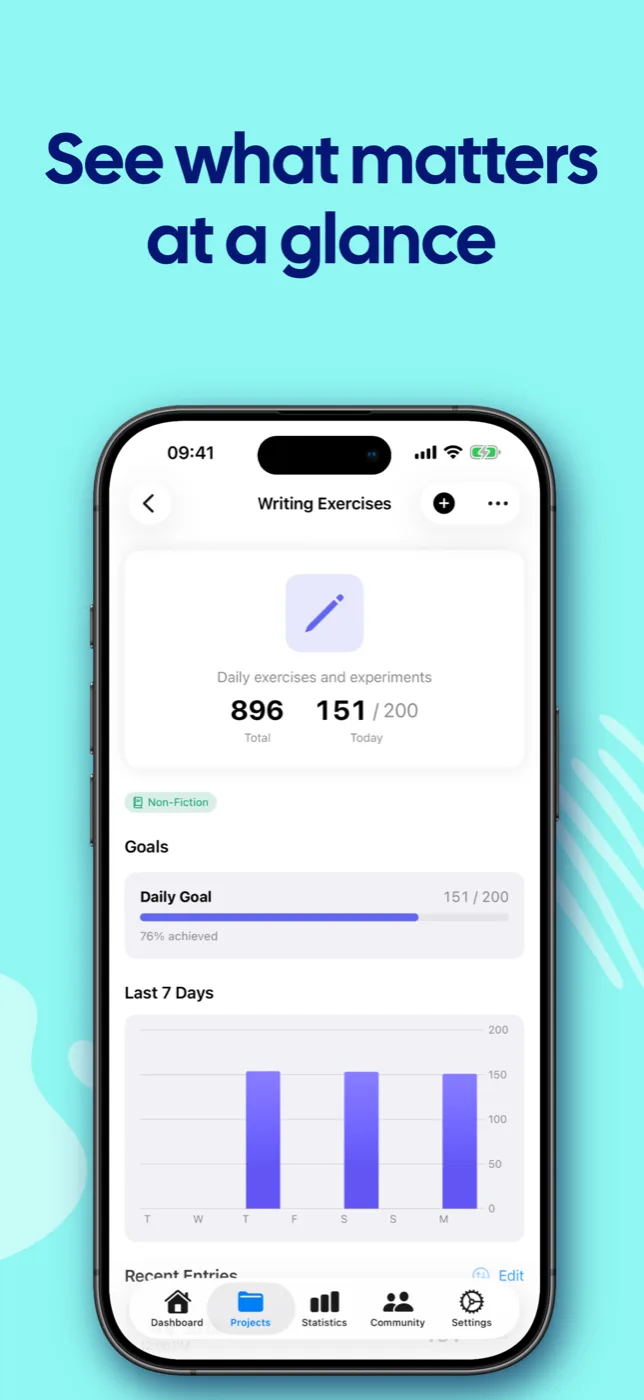
Set daily word goals and deadlines. WriteZone calculates how many words per day you still need to finish on time.
Flexible input
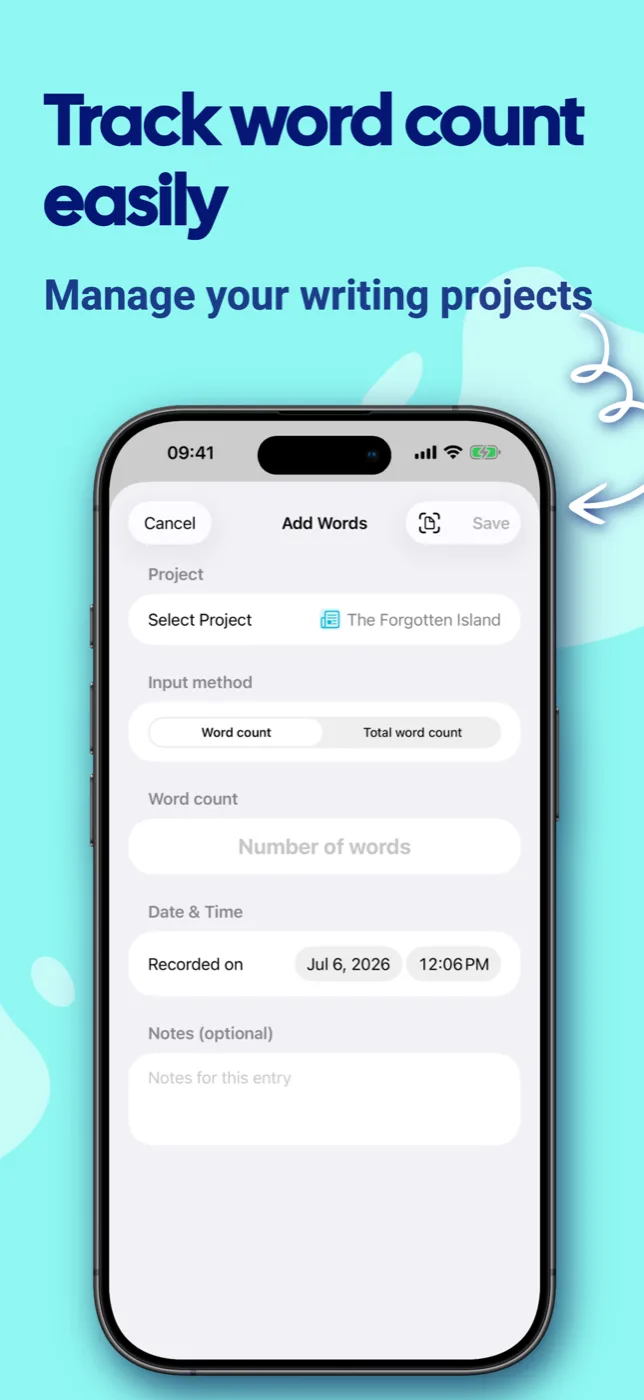
Enter words directly, use text-length mode or scan written pages by camera (OCR).
Streaks
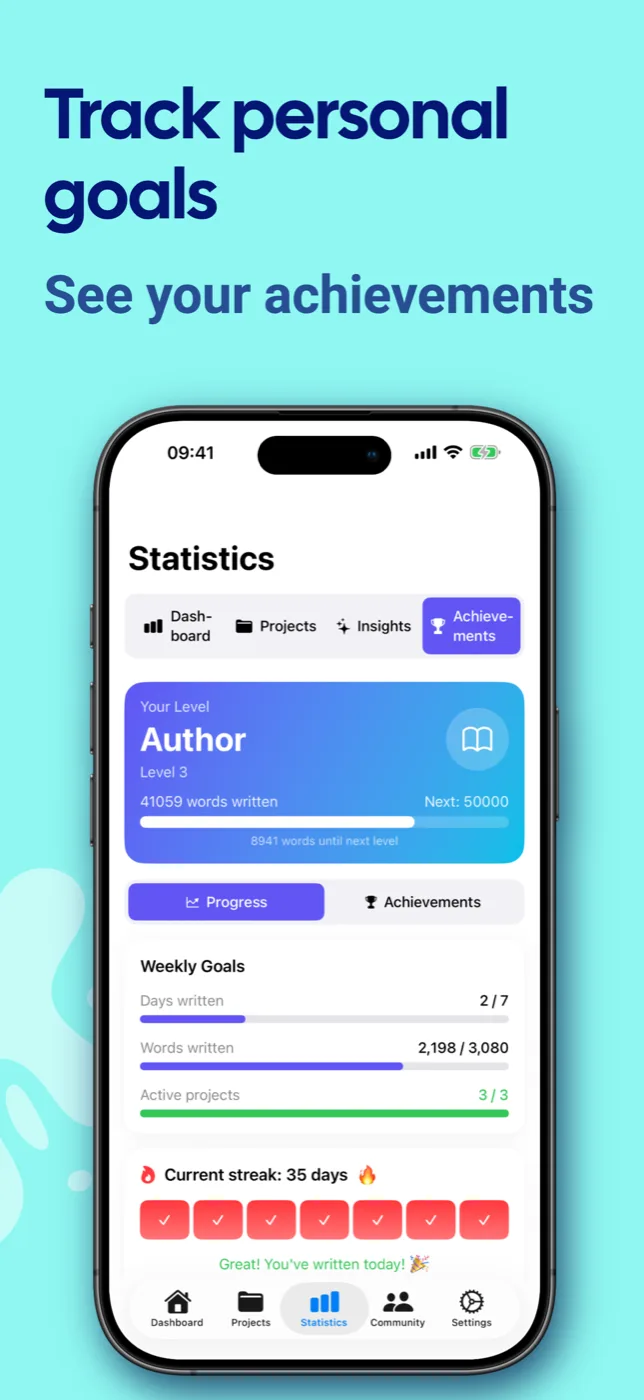
Build a writing routine and watch your streak grow. Milestones are celebrated.
Community
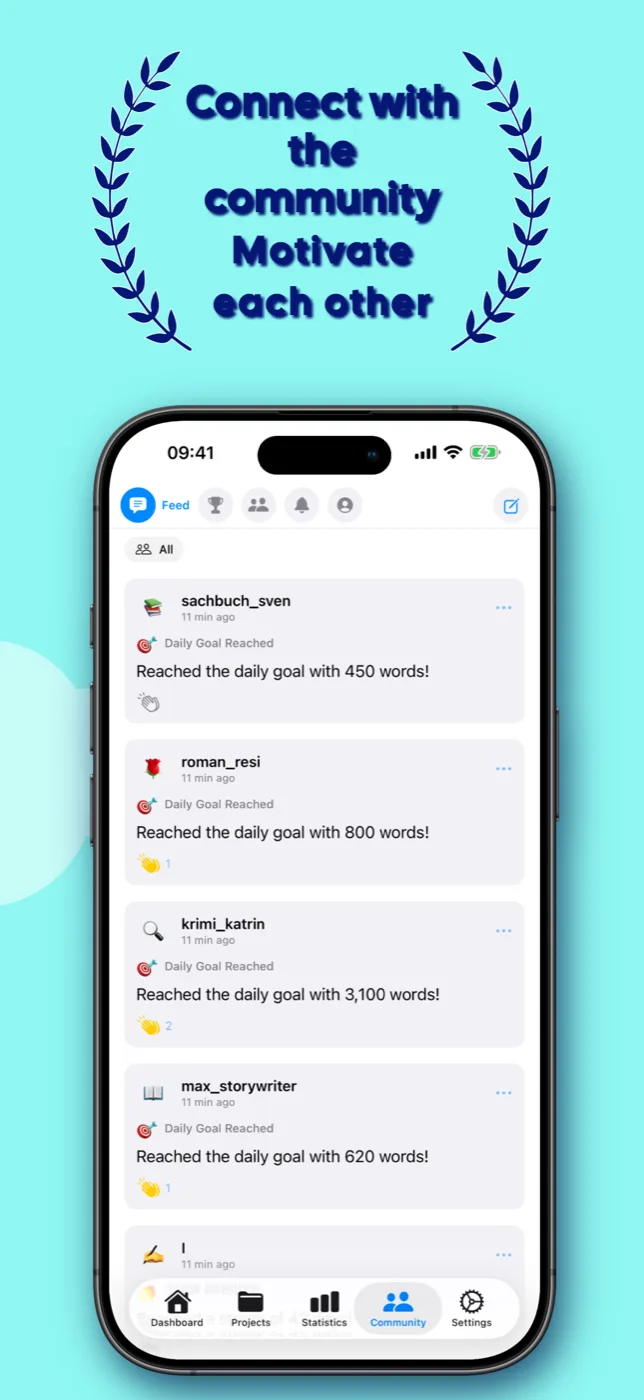
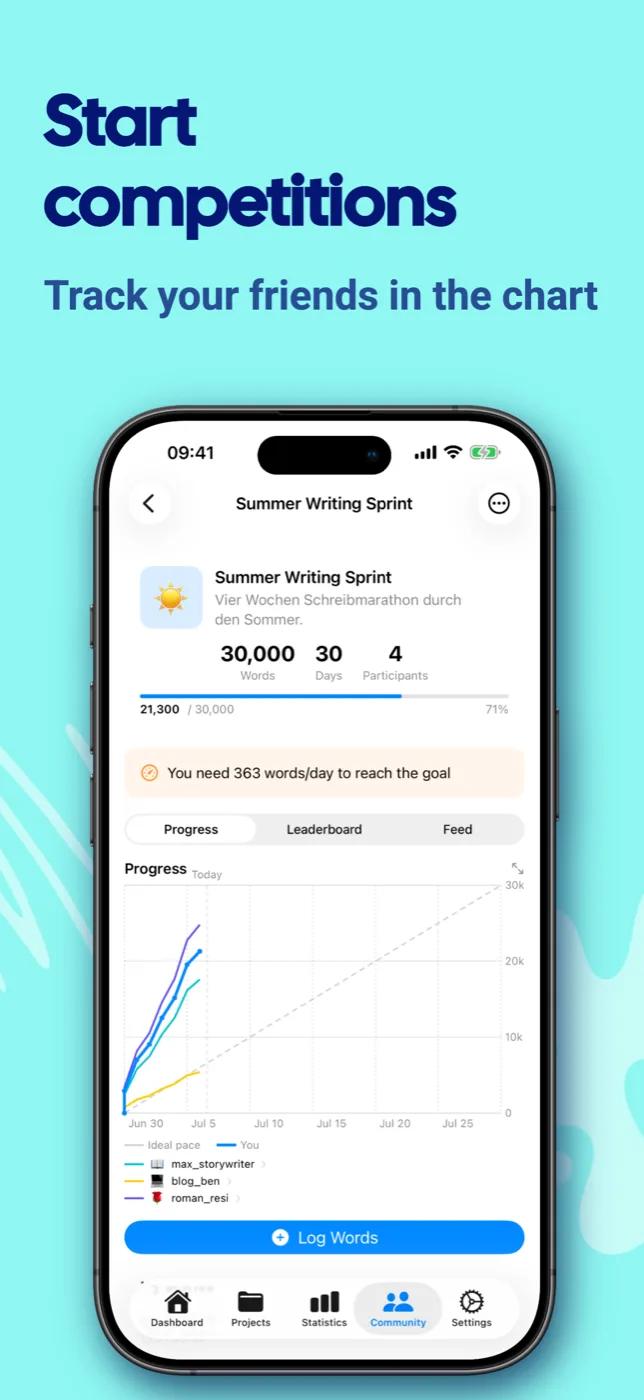
Connect with other writers, share progress in the feed and challenge friends to writing contests.
Statistics & insights
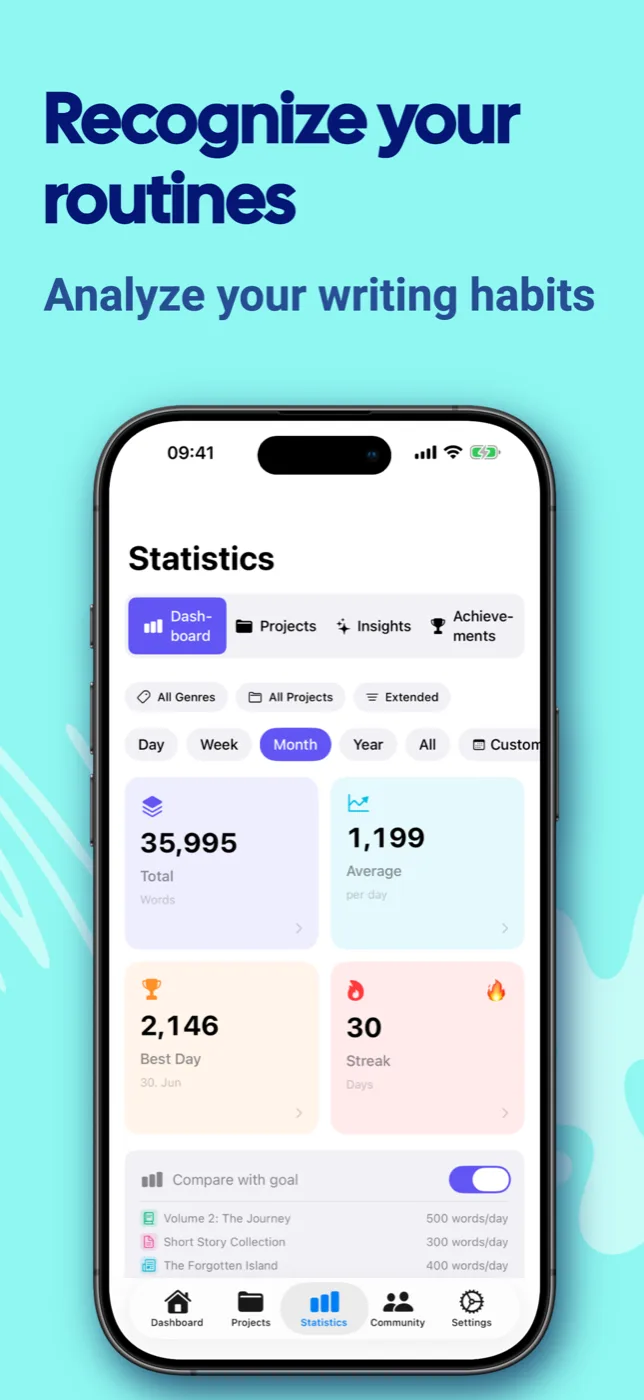
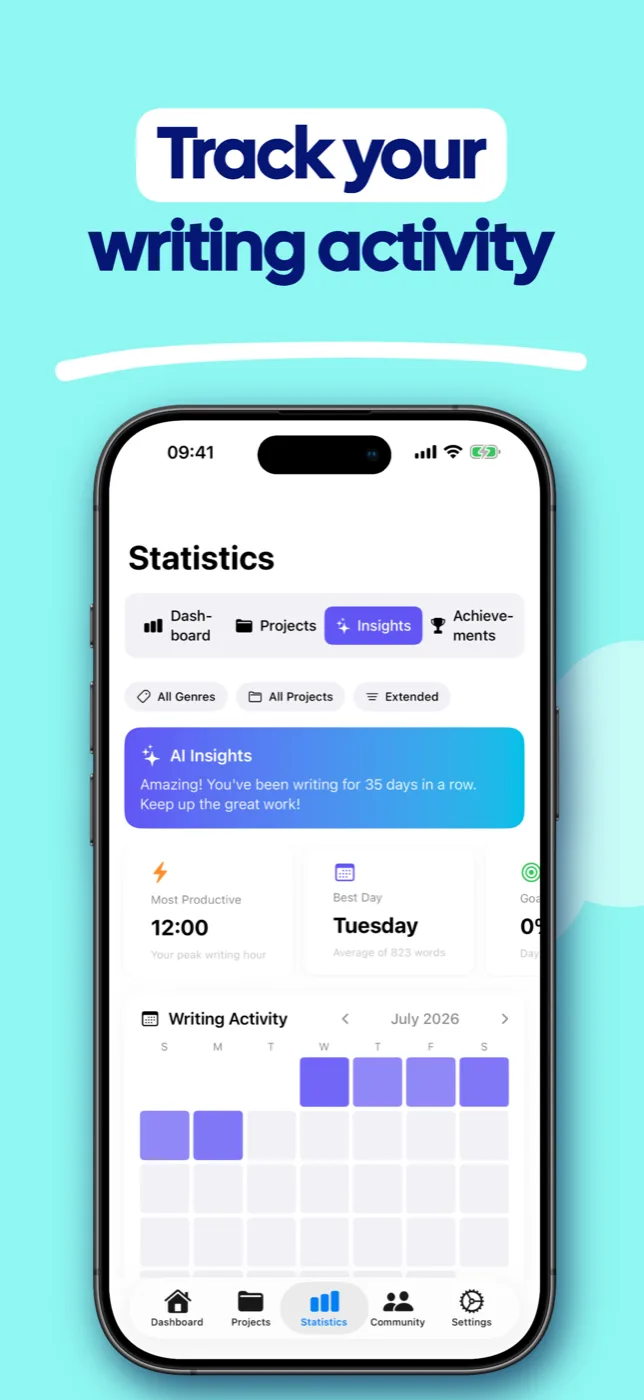
HeatMap, writing patterns, most productive times and achievements.
Cloud sync
Sync via iCloud, Google Drive, Dropbox or OneDrive – seamlessly across all devices.
45 languages
From German and Japanese to Arabic – WriteZone adapts automatically to your system.
Genres
16 predefined genres plus your own. Assign projects and filter your statistics by them.
Your writing routine in three steps.
Create a project
Title, word goal and – if you like – a deadline. Your project is set in under a minute.
Log your words
Enter your daily progress – in the app, straight from the widget or by camera scan.
Celebrate progress
Watch streaks grow, goals fall and your statistics show how far you have come.
Discover WriteZone.
Considered down to the detail – light and dark, on every device.
Seven widgets. Always in view.
Keep your goals right on the home screen – without opening the app.
One account. Two ways to buy.
Choose the purchase route that suits you. Buy in your browser and your Premium access works on all devices with your WriteZone account.
In your browser
November Writing MonthBuy directly from WriteZone and use it in your browser and every app.
In the app
Buy through the App Store or Google Play. Your Premium access then works in that store's apps and in your browser.
Price shown in your store
Billing, cancellation and refunds are handled by Apple or Google.
Your Premium access is tied to your WriteZone account. A purchase in your browser works in every WriteZone app. A purchase in the App Store works on iPhone, iPad and Mac. A purchase on Google Play works in the Android app. Both also work in your browser.
Write wherever you are.
Start in your browser or download WriteZone for your device. Buy Premium in your browser and your access follows you everywhere.
Choose Web PremiumGood to know.
Your data is yours
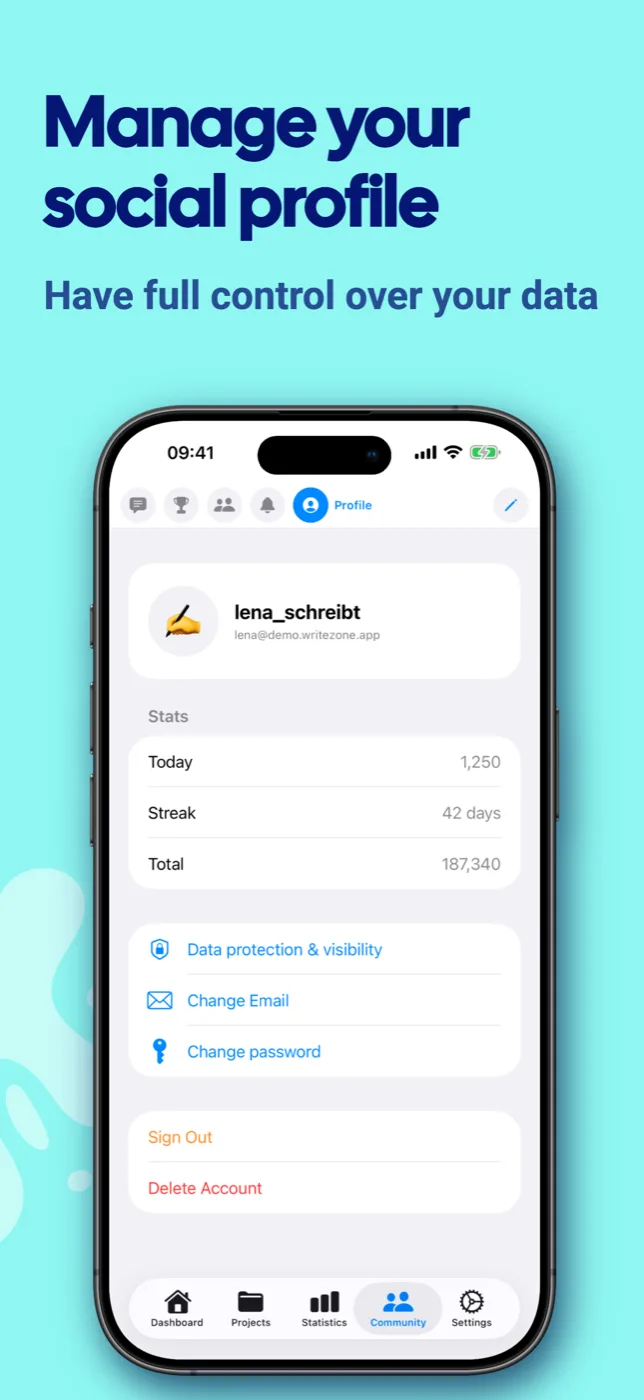
Everything is stored locally, sync is optional. The community area is off by default – with full control over your privacy.
Made for everyone
Full VoiceOver support and carefully labelled controls.
Perfect for
Authors, bloggers, students and anyone who finally wants to write regularly.
Frequently asked questions.
Does Premium access work on all devices?
It depends on where you buy. A purchase in your browser works on all devices: in your browser and in every WriteZone app. A purchase in the App Store works on iPhone, iPad and Mac. A purchase on Google Play works in the Android app. Both also work in your browser. Sign in with the same account everywhere. Billing, cancellation and refunds are handled through the purchase channel you used.
Is my data synced?
With Premium, your data is automatically synced – via iCloud between Apple devices or cross-platform via Google Drive, Dropbox or OneDrive (iOS ↔ Android). In the free version, all data is stored locally.
What are the system requirements?
iOS 18.0+, Android 8.0+ and macOS (via Mac App Store). The app uses the latest technologies on all platforms.
Can I export my data?
Yes! Premium users can export and import all data as CSV or JSON. Plus, automatic daily backups to a configurable folder.
Which languages is the app available in?
WriteZone is available in 45 languages – including German, English, Spanish, French, Japanese, Korean, Chinese, Arabic, Hindi and many more. The app automatically adapts to your system language.