
你的文字。
你的目標。
WriteZone 透過每日目標、截止日期、連續紀錄和統計數據,將每個寫作專案轉化為可視化的進度。介面簡潔、優雅,且完全沒有干擾。



不想安裝應用程式?WriteZone 也能直接在瀏覽器裡執行——登入即可開始寫作。
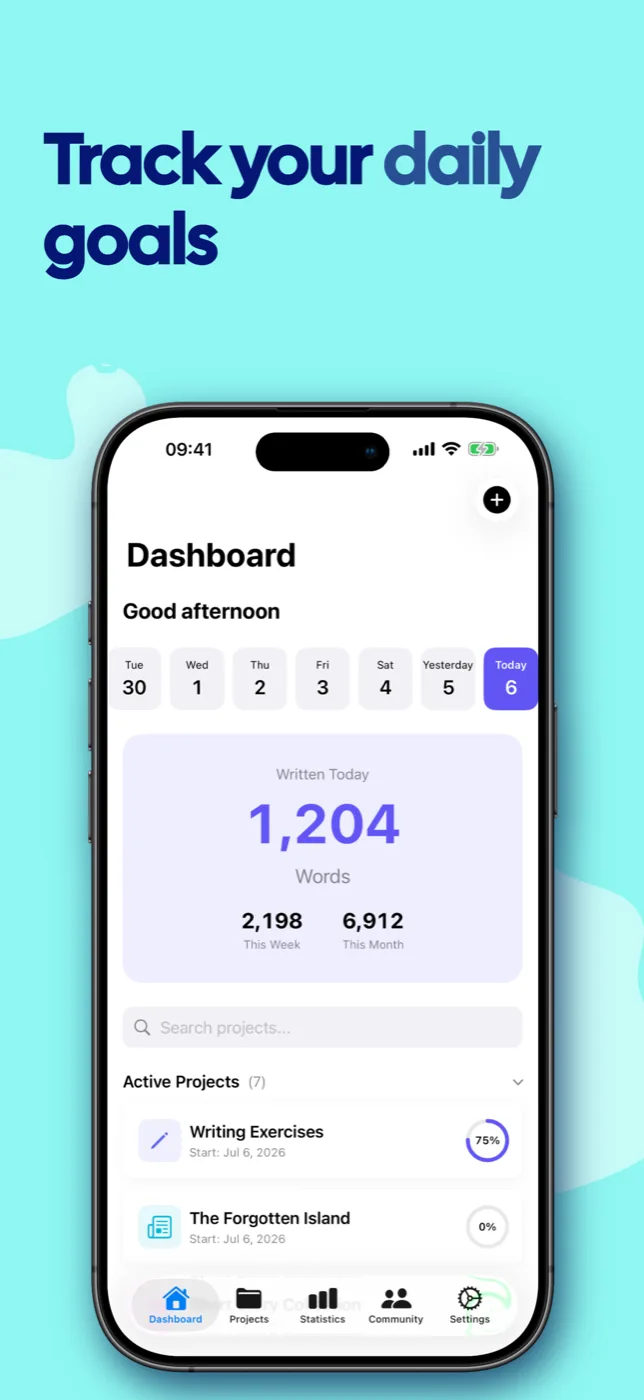
一切,只為讓您持續寫作。
從最初的靈感到完成的稿件——WriteZone 將陪伴您走過每一步。
專案追蹤
您可以建立具有自訂圖示、顏色和字數目標的寫作專案。對於大型作品,您可以將其劃分為子專案——從單一章節到三部曲皆可。
截止日期與目標
設定每日字數目標與截止期限。WriteZone 會為您計算出每天還需要寫多少字。
彈性輸入
您可以直接輸入單字、使用文字長度模式,或透過相機掃描書寫的頁面(OCR)。
連續紀錄
建立寫作習慣,並看著你的連續紀錄不斷增長。每項成就都值得慶祝。
社群
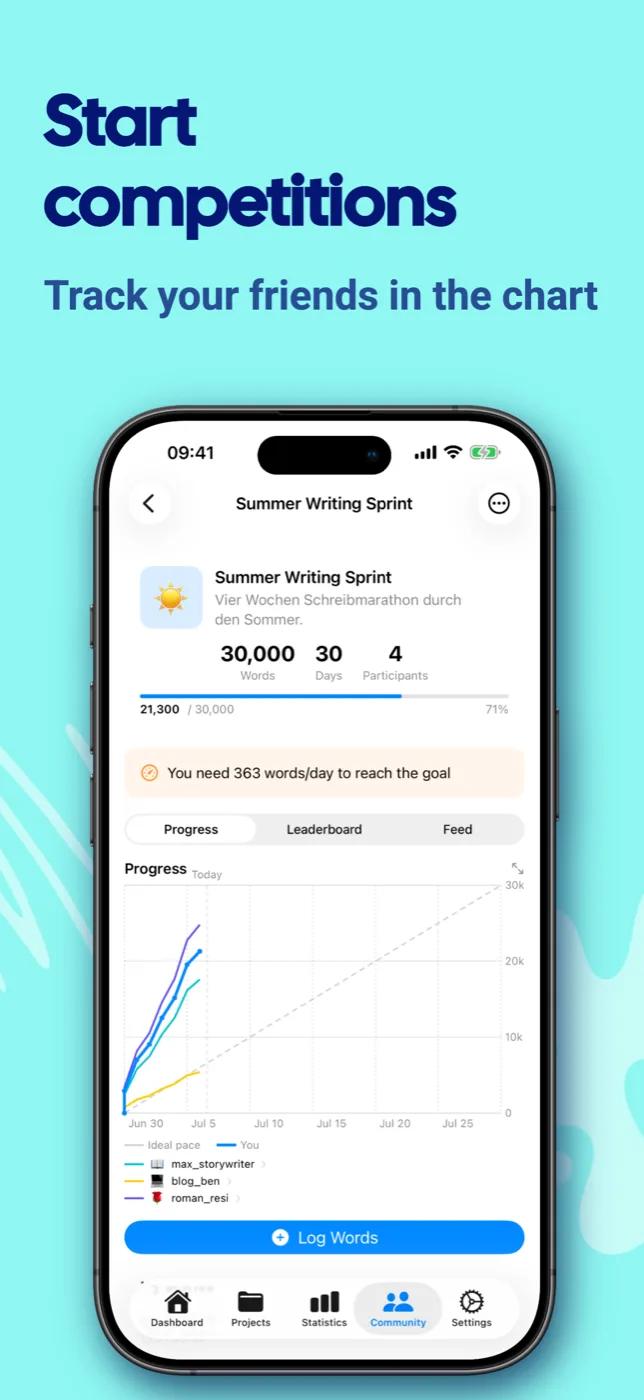
與其他寫作者建立連結,在動態消息中分享進度,並邀請朋友參加寫作競賽。
統計數據與洞察
HeatMap、書寫模式、最高效的時段及成就。
雲端同步
透過 iCloud、Google Drive、Dropbox 或 OneDrive 進行同步——在所有裝置之間無縫銜接。
45 種語言
從德語、日語到阿拉伯語——WriteZone 會自動適應您的系統設定。
類型
16 種預設類型,另可自訂類型。將專案歸類,並據此篩選您的統計數據。
三步驟建立寫作習慣。
建立專案
標題、字數目標,以及——如果你願意的話——一個截止日期。不到一分鐘,你的專案就設定好了。
輸入單字
在應用程式中、直接透過小工具,或透過相機掃描,記錄您的每日進度。
慶祝進度
看著連續紀錄不斷增長、目標逐一達成,而你的統計數據則顯示你已經走過了多遠。
探索 WriteZone。
細節處處皆經精心設計——無論在淺色或深色模式下,皆能完美適配各類裝置。
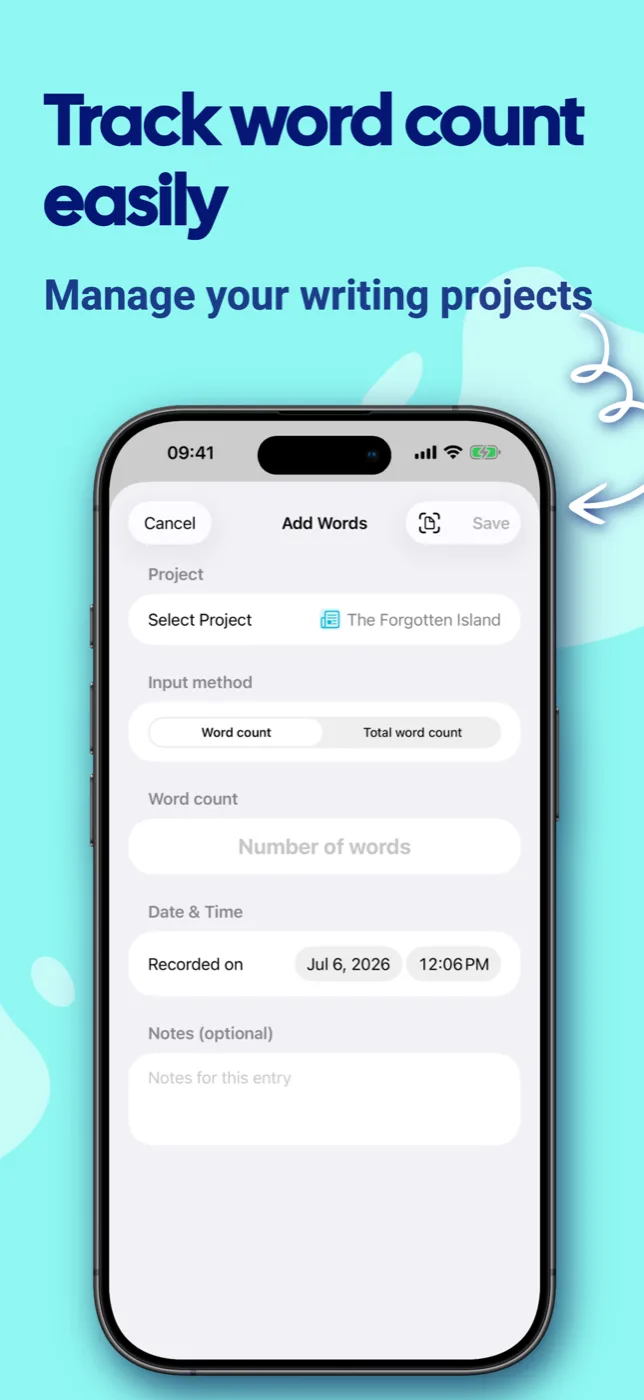
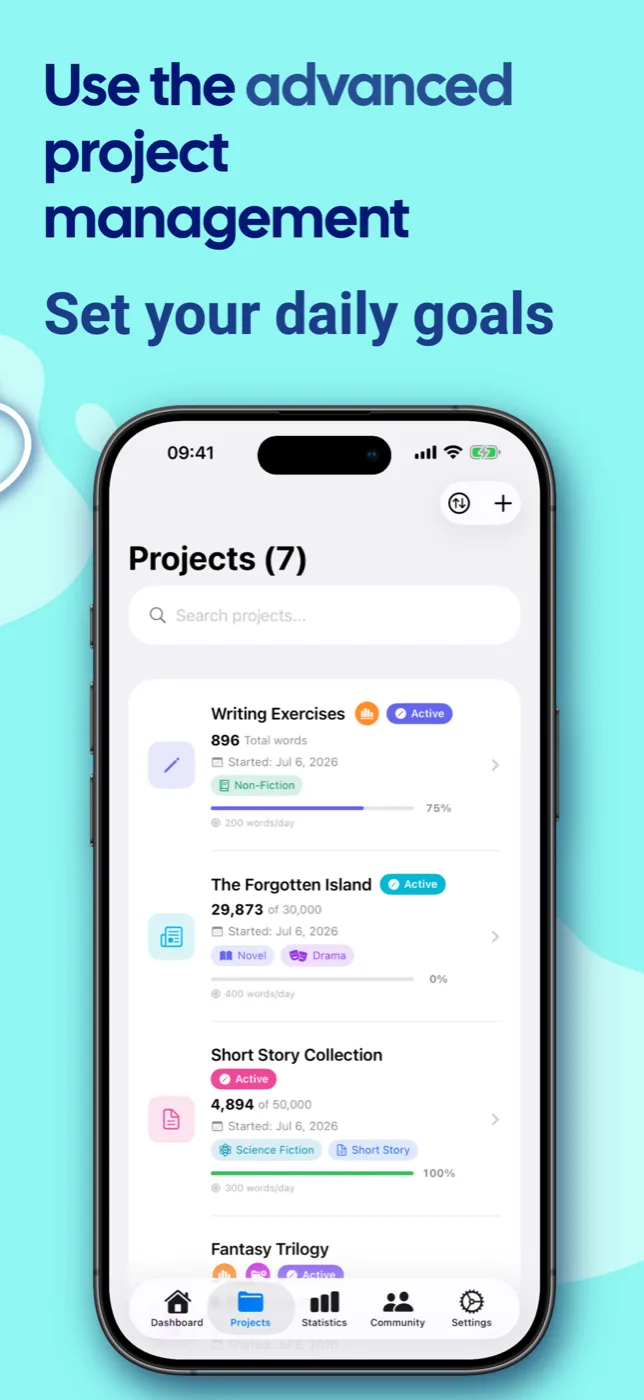
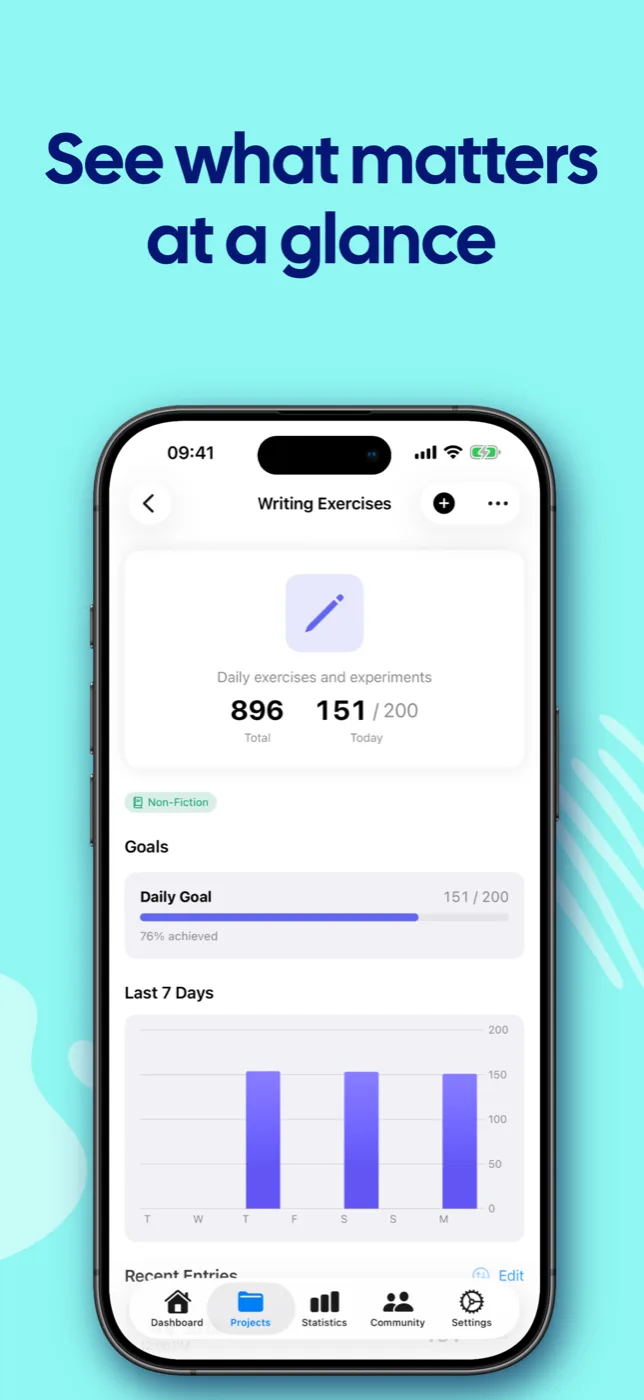
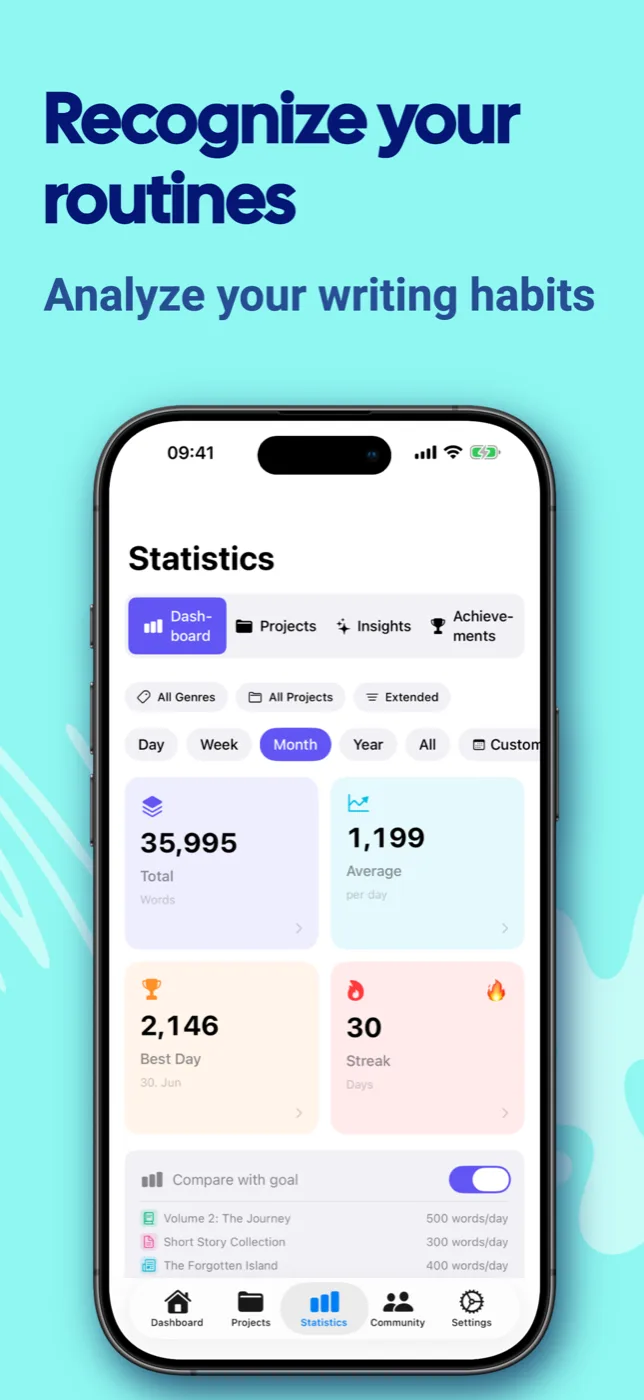
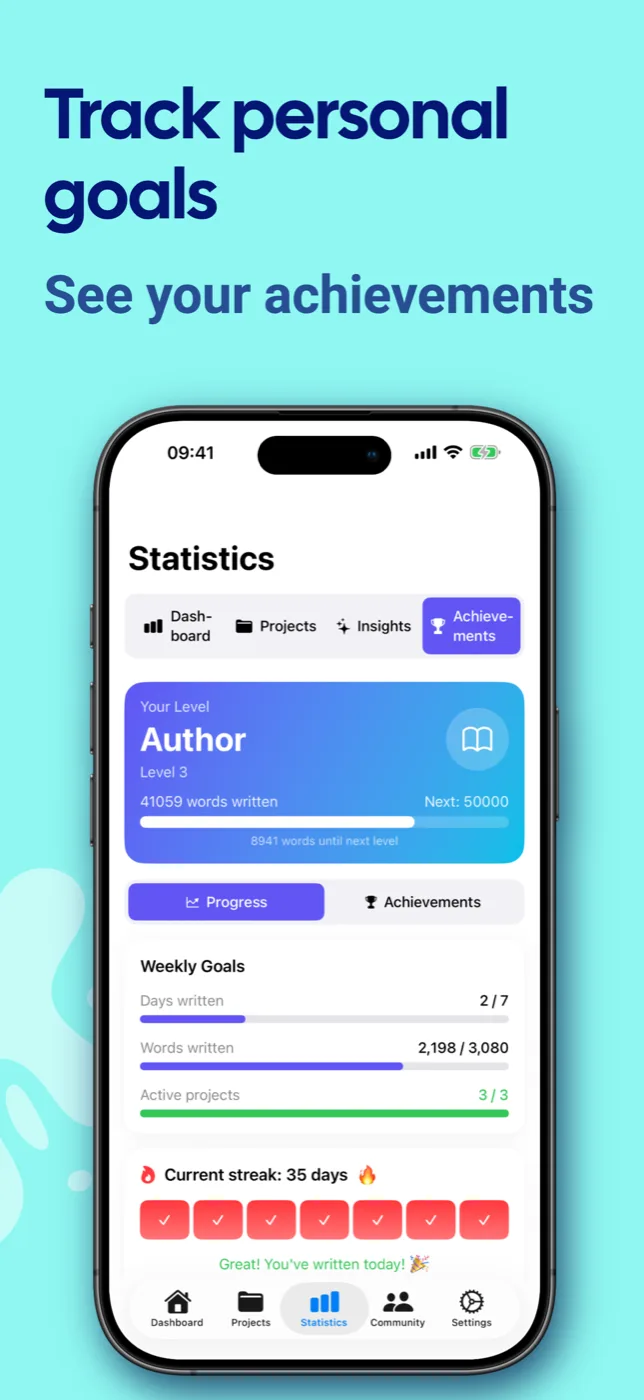
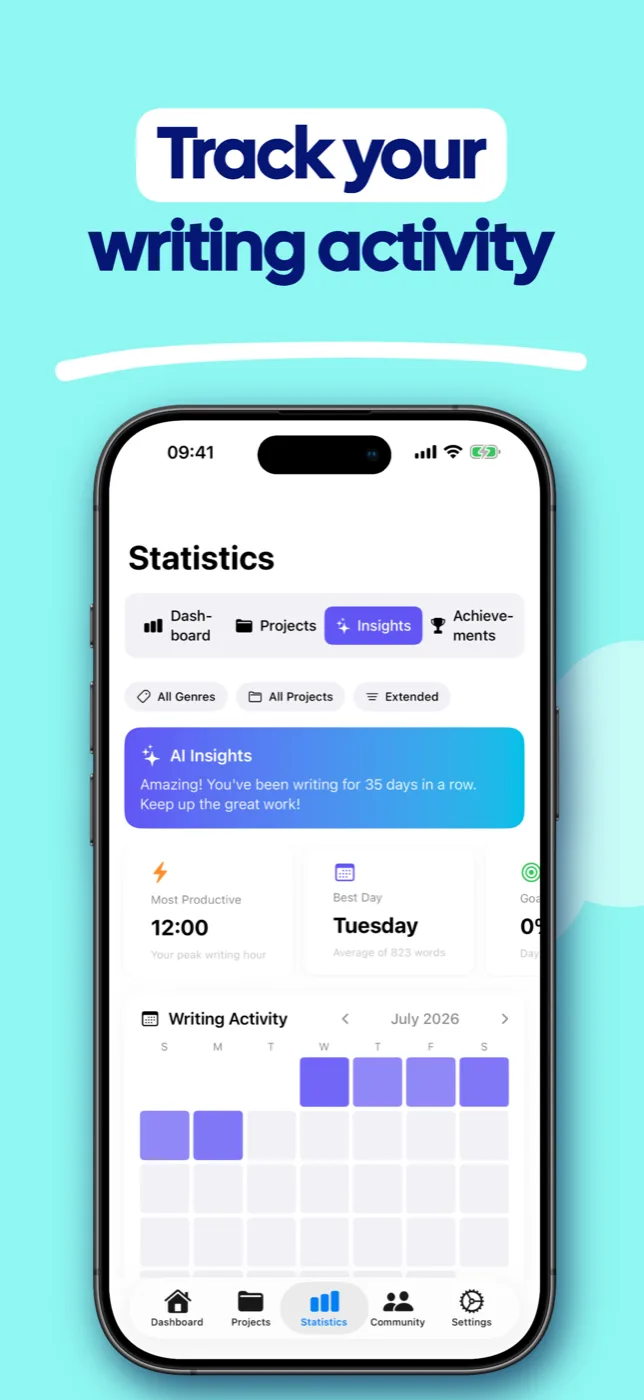
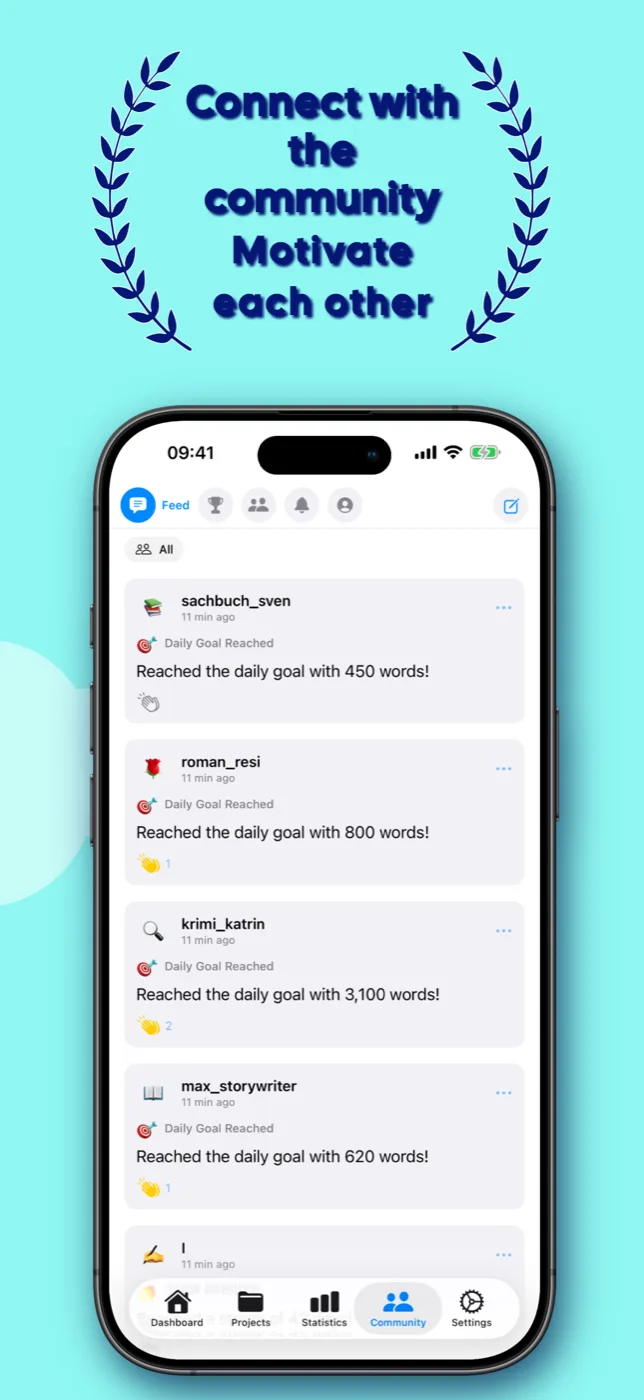
七種小工具。隨時掌握進度。
將您的目標直接顯示在主畫面——無需開啟應用程式。
一個帳戶。兩種購買方式。
選擇最適合你的購買方式。若透過瀏覽器購買,你的 WriteZone 帳戶所享有的高級會員權限將適用於所有裝置。
在瀏覽器中
十一月寫作月直接在 WriteZone 購買,即可在瀏覽器及所有應用程式中使用。
在應用程式中
請透過 App Store 或 Google Play 購買。購買後,Premium 會員資格將適用於該商店中的應用程式以及瀏覽器版本。
各店價格
計費、取消和退款由 Apple 或 Google 處理。
您的高級會員資格與您的 WriteZone 帳戶綁定。透過瀏覽器購買的服務適用於所有 WriteZone 應用程式;透過 App Store 購買的服務適用於 iPhone、iPad 和 Mac;透過 Google Play 購買的服務則適用於 Android 應用程式。這兩種購買方式均額外適用於瀏覽器版本。
你想寫到哪裡就寫到哪裡。
在瀏覽器中開始使用,或為您的裝置下載 WriteZone。若您在瀏覽器中購買 Premium 方案,無論身在何處都能隨時使用。
選擇「Web-Premium」方案值得留意。
您的資料歸您所有
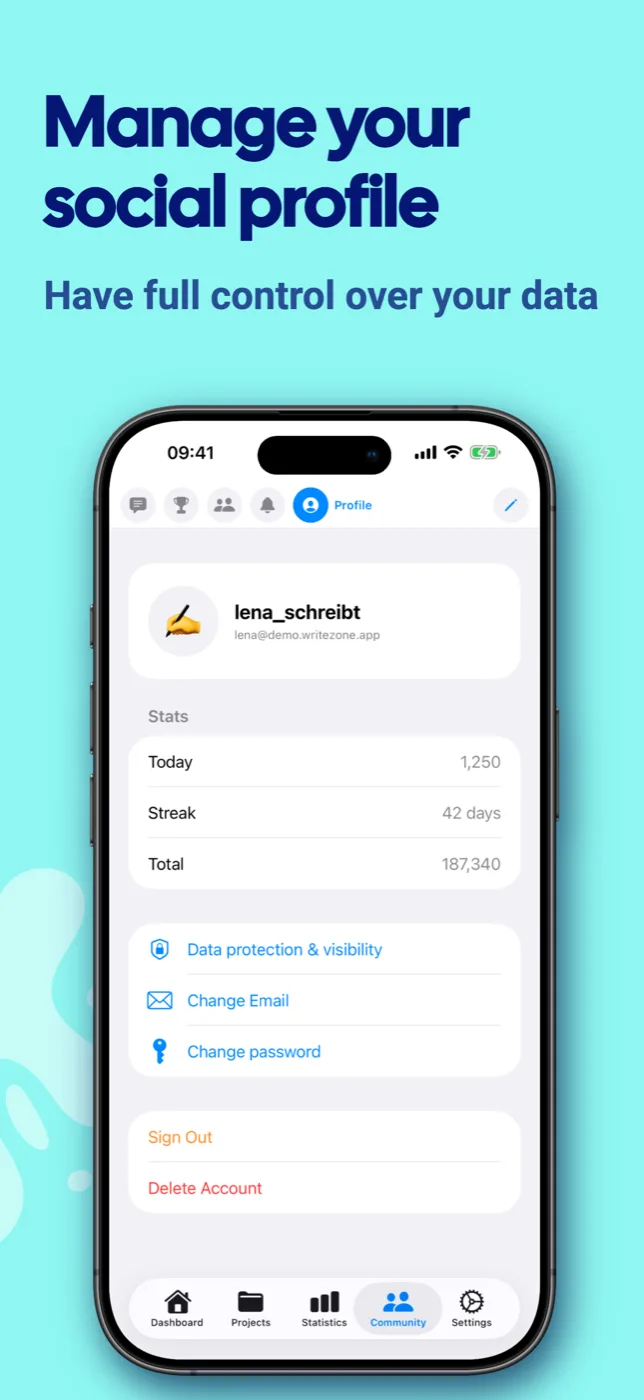
所有資料均儲存於本地,同步功能為選用項目。社群區塊預設為關閉狀態——讓您完全掌控自己的隱私。
為所有人打造
完整支援 VoiceOver 功能,且所有控制項均標註清晰。
非常適合
作家、部落客、學生,以及所有希望終於能定期寫作的人。
常見問題。
高級會員資格是否適用於所有裝置?
這取決於你購買的管道。透過瀏覽器購買的授權適用於所有裝置:包括瀏覽器及所有 WriteZone 應用程式。透過 App Store 購買的授權適用於 iPhone、iPad 和 Mac。透過 Google Play 購買的授權則適用於 Android 應用程式。這兩者皆額外適用於瀏覽器。 請使用同一帳戶在所有平台登入。計費、取消訂閱及退款事宜將依據各自的購買管道處理。
我的資料會被同步嗎?
使用 Premium 版本時,您的資料將自動同步——透過 iCloud 在 Apple 裝置之間同步,或透過 Google Drive、Dropbox 或 OneDrive 進行跨平台同步(iOS ↔ Android)。在免費版本中,所有資料均儲存於本地端。
系統需求有哪些?
支援 iOS 18.0 以上、Android 8.0 以上及 macOS(透過 Mac App Store)。此應用程式採用各平台的最新技術。
我可以匯出我的資料嗎?
是的!Premium 用戶可以將所有資料以 CSV 或 JSON 格式匯出與匯入。此外,系統還會自動每天將資料備份至可自訂的資料夾中。
這款應用程式提供哪些語言版本?
WriteZone 支援 45 種語言——包括德語、英語、西班牙語、法語、日語、韓語、中文、阿拉伯語、印地語等。此應用程式會自動根據您的系統語言進行調整。